

You've just started a new test with the Userbrain Browser Extension and instead of a real page, this screen shows up and you don't know the credentials to log in?
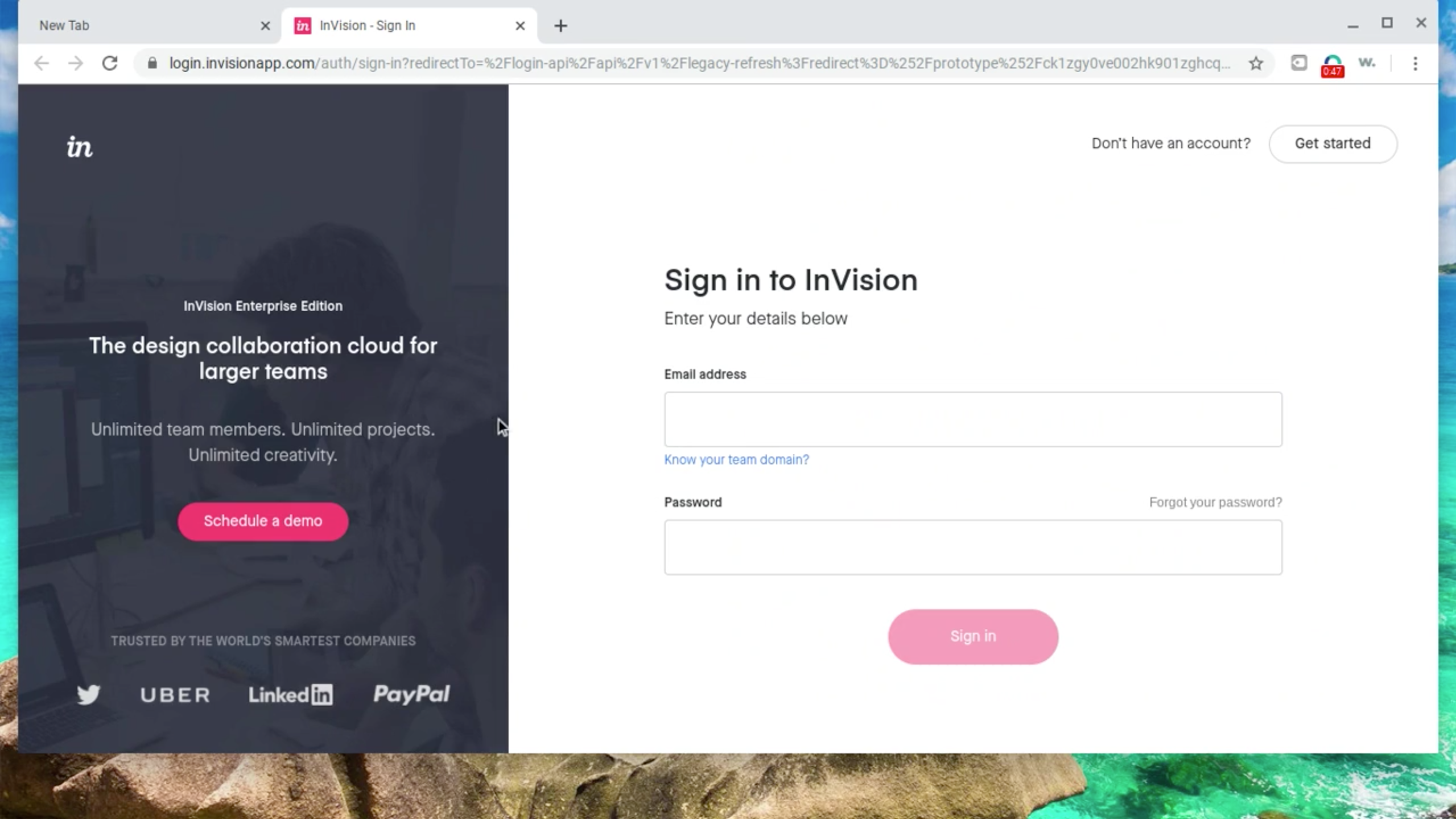
Sometimes when our customers are testing a prototype build with a tool called "InVision" the tool fails to load the page and instead just redirects users to a login page.
You'll recognize this if a page from "InVision" prompts you to login with your email address and password and no credentials have been given in the task. If this happens, please don't proceed with the testing instructions on this page as you'd be only testing the login page of the prototyping tool and not the page our customers intended to test.
What to do if the InVision login page shows up
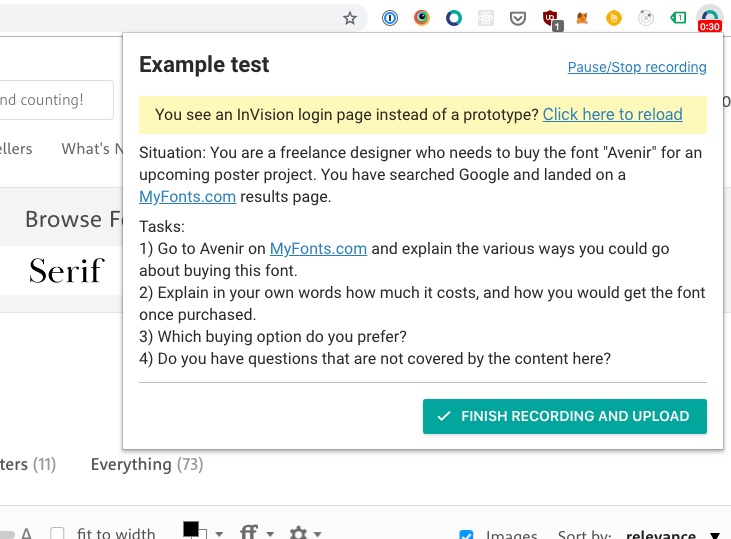
We've included a yellow notice on every InVision prototype test which allows you to reload the page by clicking the "Click here to reload link". This should resolve the issue and you should be redirected to the real prototype away from the InVision login page.
I'm still seeing the InVision login page after reloading
Please click on "Pause/Stop recording" on the top right of the Userbrain window and we'll have a look at this issue.
Thanks!